
If you’ve ever stood in front of a wall of router bits and felt overwhelmed, you’re not alone. Choosing the correct router bit isn’t just about picking a shape — it’s about matching the bit to your material, your machine, and your process. In this guide, BCAMCNC will walk you through everything you need to know: from bit types, to feed rates, to RPMs, and how different materials change everything.
1. Know Your Router Bit Types
Router bits come in a variety of shapes, and each has an ideal use-case:
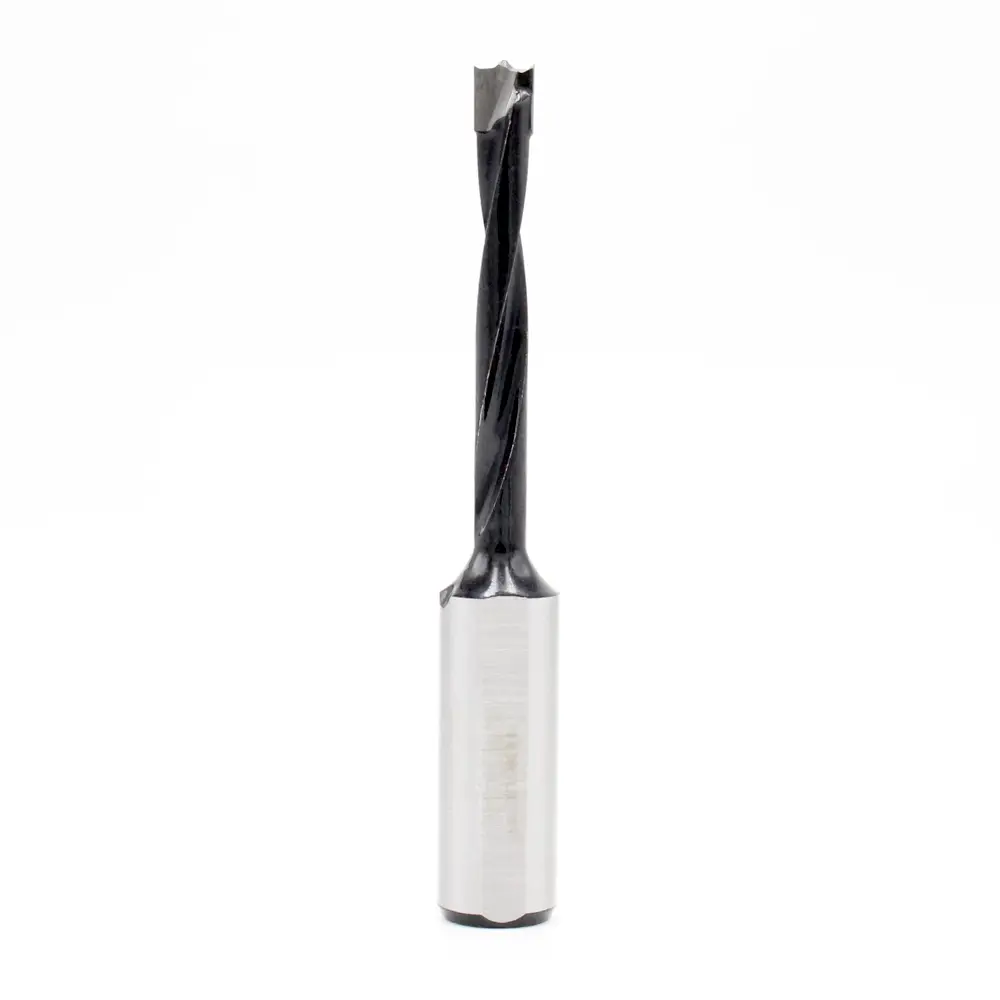
1.Straight bits: Great for cutting dados, grooves, and rabbets. Perfect for woodworking, MDF, and plywood.
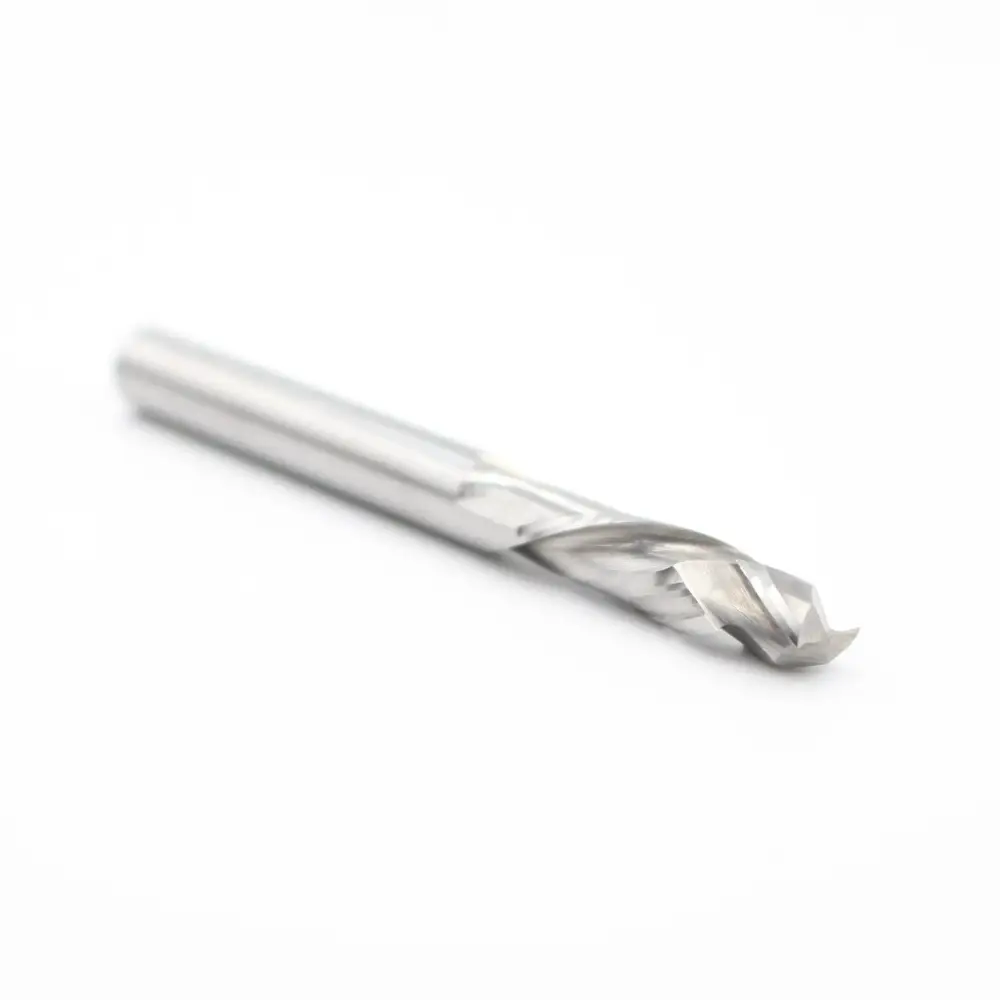
2.Spiral bits: Provide very smooth cuts and are ideal for plunge cuts and slots. There are three main sub-types:
- Up-cut: Pulls chips up and out — good for deep cuts but may leave a rough top edge.
- Down-cut: Pushes chips down — gives a clean top surface, especially good for finishing.
- Compression: Combines both — down-cut at the top and up-cut at the bottom — ideal for plywood and laminate to avoid splintering.
3.Flush trim bits: Equipped with bearings to trim laminate or veneer neatly.
4.Chamfer, round-over, beading bits: Decorative bits for finishing edges, molding, and furniture.
5.Rabbet bits: Used to cut a shoulder into the workpiece, great for joinery.
6.V-groove, cove, and specialty bits: Carving, engraving, and more artistic or sign-making tasks.
2. Material Matters: Choose Bit Based on What You’re Cutting
Different materials behave very differently under a router. Your bit choice must reflect that.
- Wood (softwood & hardwood)
Use carbide-tipped or solid carbide spiral bits. Wood fibers can tear or burn, so a sharp, clean-cutting bit is essential. - Plywood / MDF
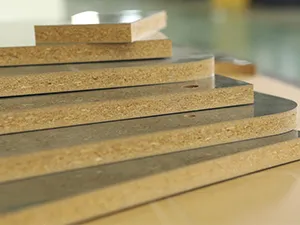
Compression or down-cut spiral bits are ideal. These materials can chip or fuzz, so compression bits help maintain clean edges top and bottom. MDF dulls bits quickly, so carbide is the recommended material. - Plastics (like acrylic, PVC, polycarbonate)
Use single-flute or O-flute solid carbide bits. These help reduce heat, evacuate chips fast, and avoid melting. - Aluminum
A single-flute solid carbide aluminum-cutting bit is often best. Using lubricant or an air blast helps control heat and chips.
3. Bit Size and Shank
1.Bit diameter:
- Smaller bits (e.g., 1/8″, 1/4″) are great for detail work, but remove material more slowly.
- Larger bits (1/2″, 3/4″, or more) remove material faster but put more load on the router.
2.Shank size:
- ¼-inch shank: very common, cost-effective, but can vibrate more.
- ½-inch shank: more stable, less deflection, better for precision and aggressive cutting — if your router supports it.
4. Mastering Feeds and Speeds
Getting the correct feeds and speeds is crucial for clean cuts, longer tool life, and safety.
(1)Router Bit Speed (RPM)
Each router bit has a maximum RPM. Running too fast or too slow can damage the bit or the workpiece.
Here are some general guidelines (from BCAMCNC’s standard):
| Bit Diameter | Suggested Max RPM |
| 1/8″ | ~28,000 RPM |
| 1/4″ | ~24,000 RPM |
| 1/2″ | ~18,000 RPM |
| 1″ | ~12,000 RPM |
Larger bits should spin slower: too high RPM can cause vibration or overheating.
(2)Feed Rate (Inches per Minute, or IPM)
Feed rate is how fast you push the material or router into your cut. But how do you figure it out? Enter chip load.
Chip Load is the thickness of the material each cutting edge removes per revolution. It’s a super important number.
Here are typical chip loads by material (in inches) based on the BCAMCNC guide:
- Hardwood: ~0.005 – 0.015 in/tooth
- Softwood: ~0.007 – 0.020 in/tooth
- MDF / Plywood: ~0.005 – 0.015 in/tooth
- Acrylic: ~0.003 – 0.008 in/tooth
- Aluminum: ~0.001 – 0.003 in/tooth
Once you know the chip load and your bit’s specs (like the number of flutes), you can calculate feed rate:
Feed Rate = Chip Load × Number of Flutes × RPM
(This formula is commonly used in CNC routing.)
(3)Why Getting It Wrong is Dangerous
- Wrong bit + wrong material: e.g., using a wood bit on aluminum can damage both.
- Too high RPM: Large bits spinning too fast can vibrate or overheat.
- Too low RPM: Cutting slowly might burn the material.
- Feeding too slowly: Leads to burning and reduced tool life.
- Feeding too fast: Causes chatter, tear-out, and poor finish.
5. Practical Starting Points (By Material)
Here are some sample feed rate ranges (BCAMCNC-style) to help you get started, depending on your material:
- Softwood (with a carbide up-cut spiral bit): ~150–300 IPM
- Hardwood (with down-cut or compression spiral): ~100–200 IPM
- MDF / Plywood (compression bit): ~150–250 IPM
- Acrylic / Plastic (single-flute): ~50–100 IPM
- Aluminum (single-flute): ~30–80 IPM — and use cooling (air or lubricant)
6. Tips to Improve Performance & Safety
1.Always use sharp bits — Dull bits burn material and are dangerous.
2.Match bit to both material and task — Don’t force a wrong bit to do the job.
3.Understand and tune feeds & speeds — These matter more than the brand name.
4.Do test cuts first — Never assume the first setting is perfect; try and adjust.
5.Clean bits regularly — Resin and dust build-up shorten bit life and reduce quality.
7. Useful Tools & Resources
- Use online feed-and-speed calculators (like G-Wizard or HSMAdvisor) to get starting points.
- Keep a digital caliper handy to measure bit diameter.
- Use a tachometer (if possible) to verify your spindle’s real RPM, not just the dial setting.
- Use dust collection, especially when cutting MDF — it’s messy and harmful.
Final Thoughts
Choosing the right CNC router bit isn’t just about shape — it’s about understanding the material you’re cutting, the bit characteristics, and how to dial in your machine for clean and safe cuts. With BCAMCNC, you have the knowledge to pick the ideal bit, set your feeds and speeds confidently, and get reliable, high-quality results every time.