
Key Takeaways
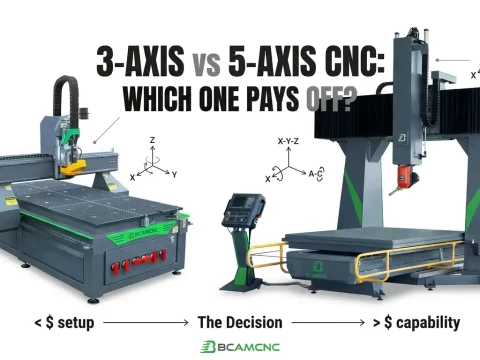
- A CNC router uses computer control to move the cutting tool along the X, Y, and Z axes
- It follows a program called G-code that tells the machine how and where to cut
- Works with wood, aluminum, plastics, composites, and many other materials
- Ideal for shops that need precision, repeatability, and efficient production
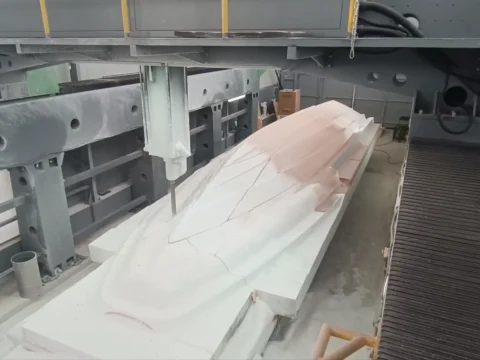
A CNC router works by reading digital instructions (G-code) that control the movement of a spindle and cutting tool. As the tool moves across the three axes, it removes material layer by layer to form accurate parts and shapes. The entire process is automated, consistent, and suitable for both small shops and industrial manufacturers.
What Is a CNC Router?
A CNC router is a computer-controlled cutting machine used for routing, carving, drilling, engraving, and shaping different materials. Because all movements follow a digital program, the results are highly repeatable and much more precise than manual cutting.
CNC routers are especially common in:
- Cabinet and furniture production
- MDF and plywood processing
- Sign-making and advertising
- Aluminum and plastic fabrication
- Prototyping and small-batch manufacturing
Compared to CNC mills, routers usually offer larger working areas, faster speeds, and are ideal for processing sheet materials.
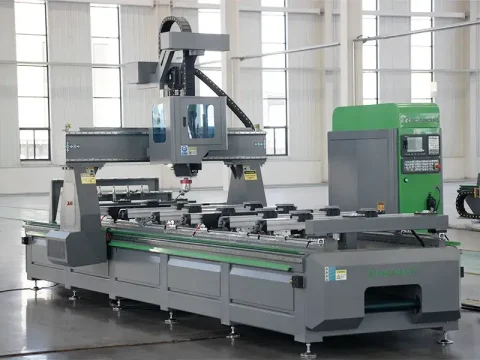
The Main Components of a CNC Router
| Component | What It Does |
|---|---|
| Spindle | Rotates the cutting tool at high speed |
| Gantry & Axes System | Moves the tool along X, Y, and Z directions |
| Machine Bed | Holds and supports the workpiece |
| Motors & Drives | Control movement accuracy and speed |
| Controller | Reads G-code and manages all machine motions |
Some advanced CNC routers—like the BCAMCNC ATC series—can also include automatic tool changers for fast and hands-free bit changes.
How a CNC Router Works (Step-by-Step)
1. Create a Digital Design
The first step happens in CAD (Computer-Aided Design) software. The operator creates a 2D drawing or a 3D model that defines the final part’s shape and size.
2. Convert the Design Into G-Code
Next, the design is imported into CAM (Computer-Aided Manufacturing) software. Here, the operator sets toolpaths, cutting depth, feed speed, and tool type.
The CAM software outputs G-code, which is the language the CNC router understands.
3. Secure Material on the Machine Bed
The material is placed on the table and fixed using clamps or a vacuum hold-down system. This prevents the sheet from moving during cutting.
4. Prepare the Machine
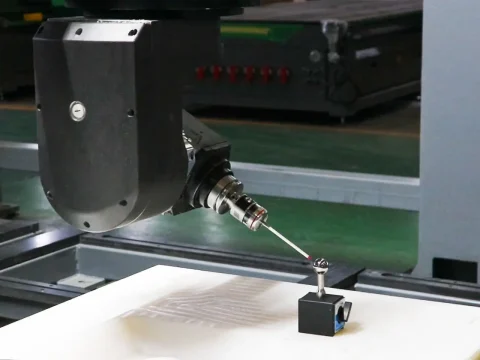
The operator loads the correct tool into the spindle, sets the X/Y/Z zeros, and uploads the G-code file to the CNC controller.
5. The Router Starts Cutting
The CNC router uses stepper or servo motors to move the spindle along the axes. The rotating bit removes material exactly according to the G-code.
Processes may include:
- Profiling
- Pocketing
- Drilling
- Engraving
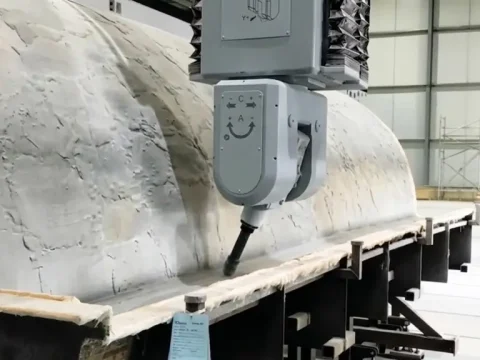
- 3D carving
6. Remove the Finished Part
Once cutting is complete, the part is removed from the table. Some materials may need sanding or finishing before assembly.
Why Many Shops Choose CNC Routers
Businesses prefer CNC routers because they offer:
- High precision and repeatability
- Faster production speed
- Lower labor cost
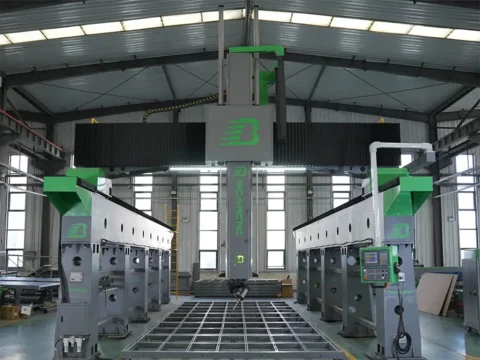
- Large working areas for full sheet cutting
- Easy scalability from prototype to mass production
- More affordable costs compared to heavy CNC milling machines
Industries like furniture factories, sign companies, packaging producers, and custom workshops rely on CNC router technology every day.
Upgrade Your Production with BCAMCNC CNC Routers
If you are planning to upgrade your workshop, BCAMCNC offers industrial-grade CNC routers at factory-direct pricing.
Our machines are built for serious production:
- Strong welding frames
- High-precision spindles
- Powerful vacuum tables
- Automatic tool changers (ATC)
- Local support in many regions
- Fast delivery worldwide
From small shops to large manufacturers, BCAMCNC helps you complete more projects with higher accuracy and lower cost.
👉 Explore the BCAMCNC CNC Router lineup today and find the model that fits your work
Frequently Asked Questions
What is the difference between a CNC router and a CNC mill?
CNC routers are optimized for wood, MDF, plastics, and aluminum. They run fast and have large working areas.
CNC mills are designed for steel and hard metals with higher rigidity but smaller work spaces.
What software do I need?
You need CAD software for design and CAM software for generating G-code.
BCAMCNC routers support all major CAD/CAM brands.
Can a CNC router cut metal?
Yes. Most CNC routers can cut aluminum and other soft metals.
For thick steel, a CNC mill or fiber laser is recommended.
Is it hard to learn?
No. Most operators become comfortable after basic training in CAD, CAM, and machine setup.
How accurate is a CNC router?
Accuracy depends on machine quality.
BCAMCNC industrial routers offer stable repeatability and precision, suitable for professional manufacturing