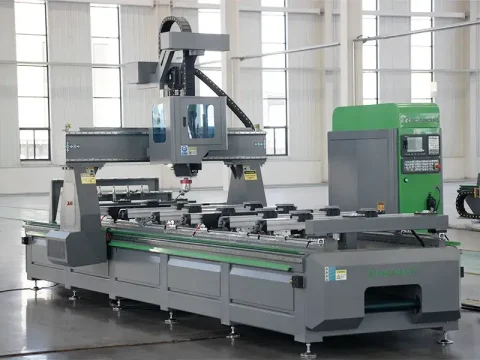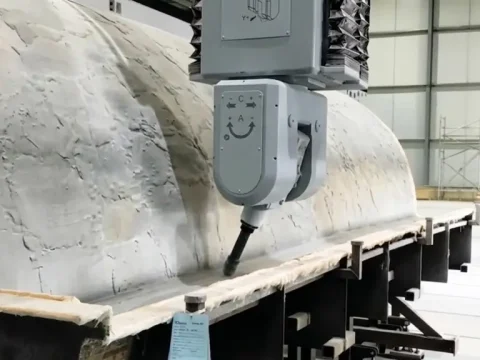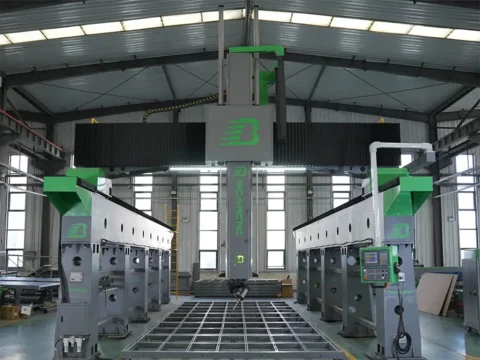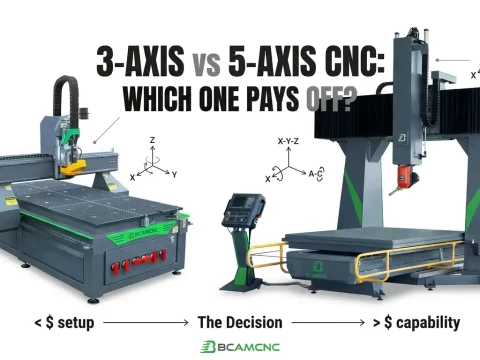

Woodworking cnc router machine, stone cnc router machine, and advertising cnc router machine have seen many in the market. I believe you all know them well. But there is also a metal cnc router machine that also occupies a seat in the engraving industry. Everyone knows very little about metal metal cnc router machine. Let me introduce to you how to solve the failure of the metal cnc router machine during use.
1. The main shaft motor of the metal cnc router machine makes strange noises: check whether the following motors are overloaded; check whether there is lubricating oil at the main shaft connection; or there may be a fault on the outside of the motor, find the fault point and repair or replace it in time.
2. The main shaft of the metal cnc router machine runs slowly: I feel that the motor has no power, can’t rotate, or rotates slowly. Check the circuit, check whether the motor cable is damaged, maybe the circuit is short-circuited.
3. If the main metal cnc router machine is below the standard line, you need to add water. Then check whether the motor is running at an overload, and whether the voltage exceeds the load that the motor can withstand.
4. The metal cnc router machine motor rotates in the reverse direction: first check whether the motor circuit lacks phase or replace the input VW end, which is the line connecting the inverter to the spindle motor. The main shaft of the metal cnc router machine is reversed because the wire connecting the frequency converter to the main shaft is reversed, and the plug of the two wires can be changed to rotate. If the MDF is engraved when the spindle is reversed, the tool may be damaged, and the tool may be broken after a short time when it is installed and processed. Sometimes it will burn red even if it is not broken, so if this kind of abnormal situation occurs, stop and check the spindle.

5. Failure analysis of small metal cnc router machine:
1. There are two reasons for limit opening and triggering or exceeding the working range; limit switch mechanical triggering and interference triggering; check whether the machine returns to the origin before operating and processing, and whether the processing data parameters exceed the processing size of the mechanical table.
2. Check the limit switch sensing point to see if there is workpiece waste contact. If there is workpiece waste contact, clean up the workpiece waste problem and then deal with it; if there is no metal contact, check the limit switch wiring to find out the line failure problem, the failure is Dividable.
3. After the machine has a limit alarm, it should actively stop working. At this time, select the “Back to mechanical origin” item under the “Operation” menu in the operation control system to clear the three axes at the same time, and then continue to engrave at a fixed point. The problem can be dealt with.
The above is how to solve the various failures of the metal cnc router machine organized by the editor for everyone. You can collect it, and solve the problem symptomatically in the later period. If there is anything else you want to know, you can leave a message to the editor. The next issue will be for you. Update~