
1. Open the engraving programming software and program the engraving path: Let us give an example, if engraving, then use Wentai software to arrange the version first, and then enter the depth, overlap rate, line spacing and other parameters in the pop-up dialog box through 2D, 3D, and cutting. , And then let the computer calculate. If processing reliefs, first use ARTCAM or Jingdiao to generate reliefs from files or model pictures, and then determine the size, fill in each processing parameter, and the computer starts to calculate. After the path is generated, a colored line will be generated on the character or model, which is what we often call the tool path.
2. Output the engraving path and input the engraving machine control system software: output the file in Wentai, Jingdiao, ARTCAM and other software, if it is a format that the engraving machine control system cannot support, it needs to be converted. Commonly used program formats are nc, mmg, etc.
3. Check the machine and fix the workpiece correctly: Check whether there are debris on the machine table, especially stone particles, large-area stone powder, sand, etc., pay attention to cleaning, otherwise it will easily affect the flatness of the material. Cause different shades (to solve the problem of unevenness, you can visit our official website to view the description of the leveling system of the stone cnc router machine, also known as the engraving treasure).
Place the workpiece according to the placement direction in the typesetting programming software, depending on whether the material is placed horizontally or vertically. Note that the material and the machine are parallel to the direction of the axis, and do not put it off. Use a pressing plate to fix the material, generally there are two fixing methods: pressing and topping. If it is pressed by a pressing plate, be careful not to press on the processed part of the material to prevent the machine from crashing or hitting the knife.

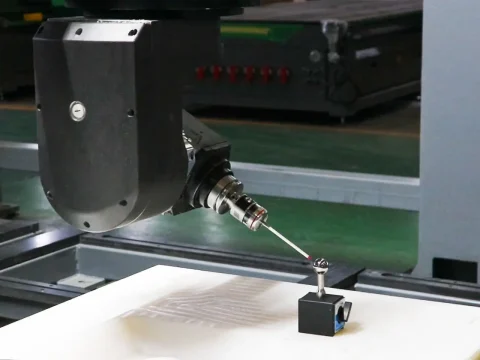
4. Determine the origin of the workpiece coordinate system, which is what we often call tool setting. Respectively align the origin of each axis of the machine to the origin, and then reset the data to zero or enter the coordinate value of the corresponding coordinate system.
5. Check the water spray and water circulation, adjust the machine speed and feed speed, and simulate in the stone cnc router machine control system software. If it is a Weihong system, just press F8. Check the simulation is correct, and then press F8 to launch the simulation.
6. Start engraving machine, the shortcut key of Weihong system is F9.
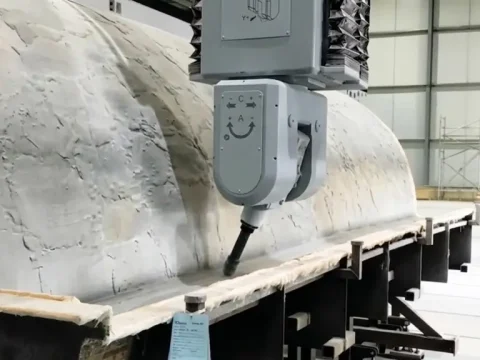
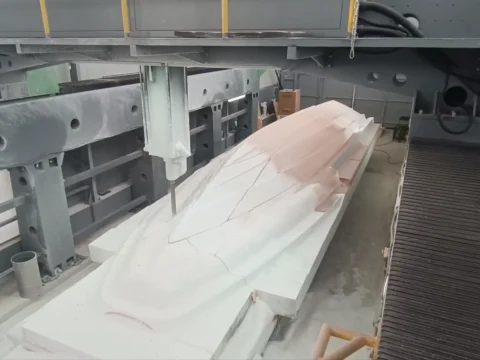
7. Processing is complete. Pay attention to check whether the stone carving effect is satisfactory and whether it is necessary to make up the knife.
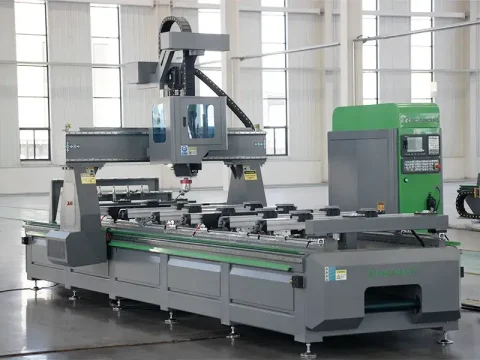
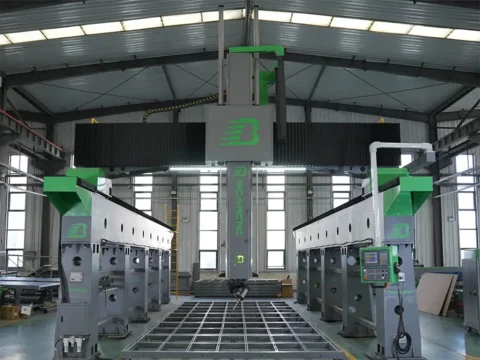
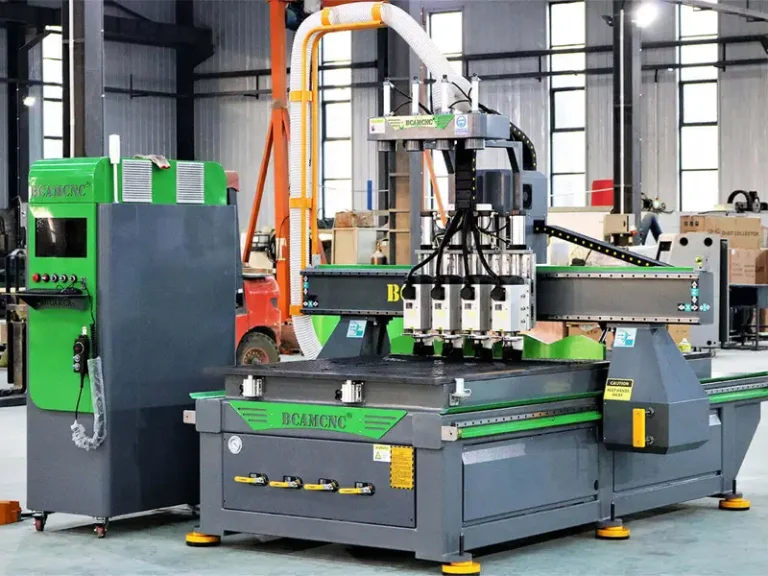
The above are the main operating steps and processes of the stone cnc router machine. If you have any questions or want to see more, please pay attention or consult BCAM!